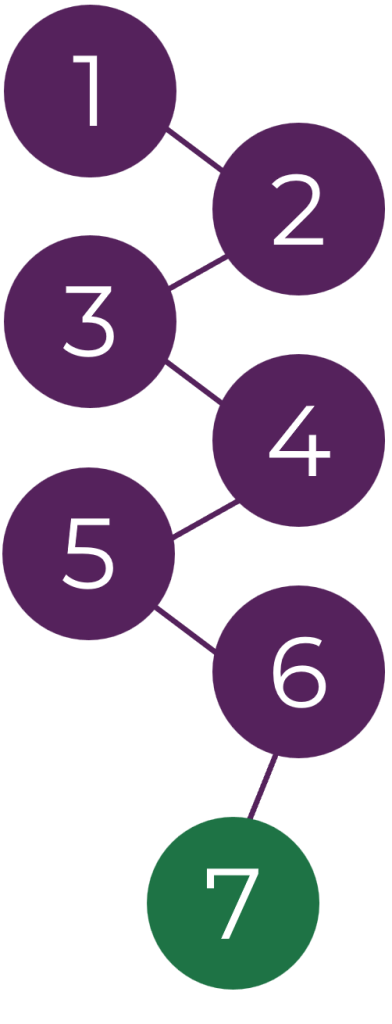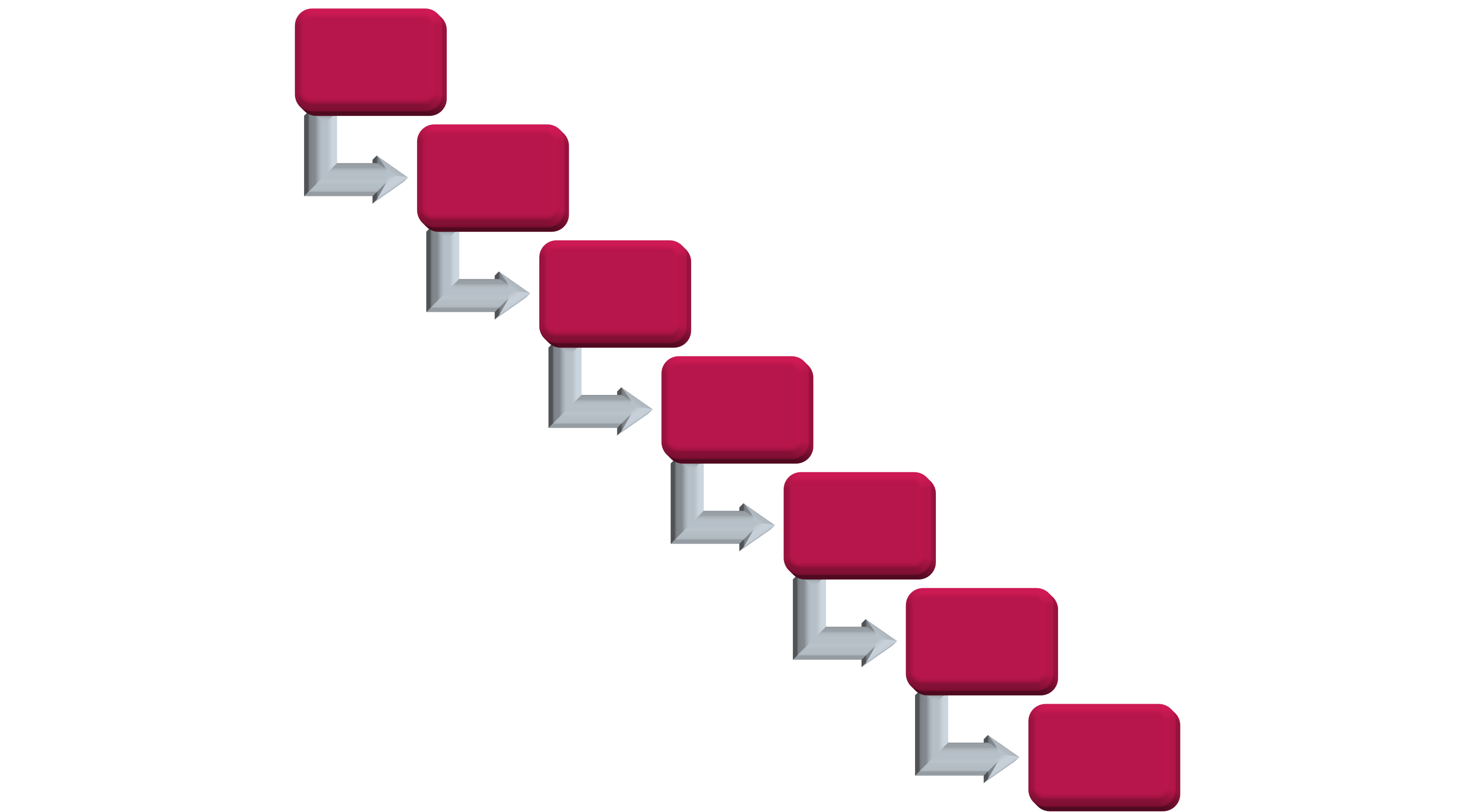
For each new production, a Setup of the agreed modules will be performed view modules. Varied between 2-10h for the whole project. this includes among other things Production planning and organisation. A pre-ESTIMATE of module level will be determined and communicated to the client. (This is not the quote; the quote will be communicated by the project owner via email.)
The Client will either provide an “Approved for production” script or task Edtech studios to create one. A script created by Edtech Studios will need to be reviewed and approved for production by the client, before the productions will start.
A complete script will need to include details, such as VO read, screen text, descriptions, and directional notes. When received, the script will be locked in changes unless communicated by client, in writing. this can cause the production timeline to be affected. Production of a module will not commence until; a locked Approved for production script is available for the producer. Once production has started, a script should not be reopened unless asked for a rework by client this might trigger additional production time and cost. (The only exception to this rule is proof reading by the producer during VO or Text creation.)
Lock the approved
script to prevent
changes during
production.
Define project goals,
outline module
and create a
production timeline.
Provide a script
or request
Edtech Studios to
create one for review.
Review the script
carefully and approve
it before production
begins.
Start producing
content based on the
approved and locked
script.
Request changes if
needed; this may
affect the timeline
and costs.
Project completed and
delivered as per the
approved specifications.

Define project goals,
outline module
and create a
production timeline.
Provide a script or request
Edtech Studios to create
one for review.
Review the script
carefully and approve it
before production
begins.
Lock the approved script
to prevent changes
during production.
Start producing content
based on the approved
and locked script.
Request changes if
needed; this may affect
the timeline and costs.
Project completed and
delivered as per the
approved specifications.

[Approved for production] means that the client has proofread the script and are aware of that any changes after the script is delivered can constitute additional production time and/or cost.
When an [Approved for production] script has been received, an additional evaluation of the script will be performed, and module level will be adjusted if needed.
Additional evaluations can also be performed if a module exceeds the original estimate during production.
Any changes that warrant additional cost, due to scope change from the original estimate, will be communicated to the client by the project owner via email.
A review is different from a Preview. A preview is an informal showing of a module that occurs before a Review has been sent, to align visions between the client and the producer, this is done either in snapshots or videocalls (*see the “counselling session” paragraph further down).
Reviews are performed either using our video platform or Module review platform depending on media and then logged on Monday.com to ensure continuity.
Reviews comments work on sliding scale and are grouped by impact of the review fixing process and time.
(An excess of major changes constitutes a module rework and will increase the scope; this will be communicated by the project owner via email)
To reach as a high of standard possible, in the most efficient time as possible a well performed review is crucial.
Before we send out a review we aim to have a complete showing for the client, but sometimes visual or audio content may be dependent on the clients input or other parts of the production process, so they cannot be a part of the review. This item will be marked with [PLACEHOLDER] and will not be a part of the final product.
It is up to the client how they wish to perform their Reviews. A solo individual or in groups for the different review rounds. Edtech studios can assist in how to best set this up, to support or train the client’s personnel in this if so desired.
It’s important that the communication is clear between the client and Edtech Studios when a new review round has started as well as concluded. It is however on the Client to make sure that a review is conducted within a reasonable timeframe.
Although proof reading will have happened before and during production sometimes spelling errors can occur in reviews. Errors will be addressed before delivery however they will not carry priority in the review chain, meaning that any smaller note sent to Edtech Studios about these kinds of errors, will be noted and logged and fixed as soon as the opportunity arises. This is to both ensure that no unnecessary review rounds are applied for you, the client and that Edtech Studios workflow is not disrupted.
A good thing to note is that things that might seem small or “easy” can still have a heavy impact on the workload depending on how the module is structured.
Edtech studios prides itself on being able to provide Educational and production support to our clients. As well as being available for direct communications to ensure that the product will meet expectations.
This post should however be hold to a minimum if possible. The rule of thumb would be, to not exceed 1h per module wherever possible. This is once again not a hard limit but rather a guideline.
Edtechstudios will upon delivery need clear instructions from the client on delivery format and preferred delivery method and/or platform.
Edtechstudios will retain the original production files as is, unless other agreements have been made.
Edtech Studios will ensure that the client have accepted the final version and then log the delivery.
Once delivered edtechstudios can provide support to the client for the client to have a smooth implementation phase.
Define project goals, outline module and create a production timeline.
Review the script carefully and approve it before production begins.
Start producing content based on the approved and locked script.
Provide a script or request Edtech Studios to create one for review.

Lock the approved script to prevent changes during production.
Request changes if needed; this may affect the timeline and costs.
Project completed and delivered as per the approved specifications.
Define project goals, outline module and create a production timeline.
Provide a script or request Edtech Studios to create one for review.
Review the script carefully and approve it before production begins.
Lock the approved script to prevent changes during production.

Start producing content based on the approved and locked script.
Request changes if needed; this may affect the timeline and costs.
Project completed and delivered as per the approved specifications.

To provide our clients with as much flexibility and guidance as possible, we have categorized our e-learning productions into three categories; Basic, medium and advance. These are not hard firm boxes rather guidelines for us to estimate the scale of each module.
Call us or drop us a line in the form down below.